Quick Start
Functions
signalBreach
signalBreach
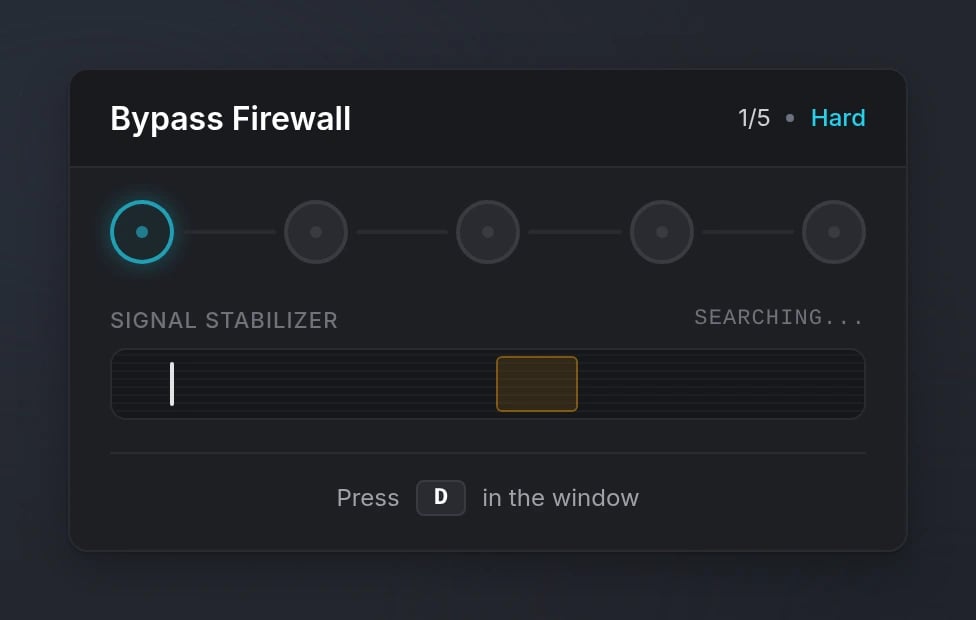
Start an interactive signal breach hacking mini-game.Parameters:
title(string, optional) - Title for the signal breachdifficulty(string | table, required) - Difficulty level or custom config object (see Difficulty Levels)inputs(string | table, optional) - Single input key or array of input keys (default:'E')options(table, optional) - Additional options (see Options)
success(boolean) -trueif the signal breach was completed successfully,falseif failed or cancelled
cancelSignalBreach
cancelSignalBreach
Cancel the currently active signal breach.
signalBreachActive
signalBreachActive
Check if a signal breach is currently active.Returns:
isActive(boolean) -trueif a signal breach is active,falseotherwise
Configuration
Options
string
Title displayed for the signal breach
string | table
required
Difficulty level or custom difficulty objectSee Difficulty Levels for available options
string | table
default:"E"
Single input key or array of input keys
number
Amount to increase the indicator speed after each successful node (e.g.
0.08)number
Amount to shrink the target window after each successful node (e.g.
2)boolean
If
true, pressing the wrong key immediately fails the breach (default: false)function
Callback fired after each node attempt
Difficulty Levels
- Preset Difficulties
- Custom Difficulty
Preview