Quick Start
Functions
showText
showText
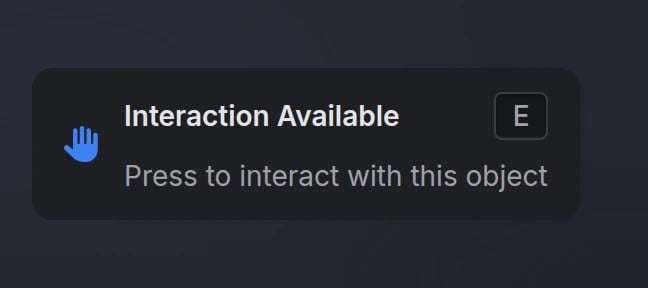
Display a text UI element to the player.Parameters:
data(table) - Text UI configuration object (see Options)
hideText
hideText
Hide the currently displayed text UI.
isOpen
isOpen
Check if a text UI is currently open.Returns:
isOpen(boolean) -trueif text UI is open,falseotherwisedisplayText(string | nil) - The currently displayed text, or nil if not open
Configuration
Options
string
Text UI title
Either
title, description, or options is requiredstring
Main text content (supports markdown)
Either
title, description, or options is requiredstring
default:"right-center"
Text UI position on screenAvailable options:
'top-left', 'top-center', 'top-right', 'left-center', 'center', 'right-center', 'bottom-left', 'bottom-center', 'bottom-right'string
FontAwesome icon class
string
default:"#71717A"
Icon color (hex or CSS color name)
string
Icon animation typeAvailable options:
'spin', 'spinPulse', 'spinReverse', 'pulse', 'beat', 'fade', 'beatFade', 'bounce', 'shake'string
Keybind text to display
string
default:"#1E1F24"
Background color (hex or CSS color name)
string
default:"#E4E4E7"
Text color (hex or CSS color name)
Items
When using theoptions parameter, each item in the array supports:
string
required
Option label text (supports markdown)
string
FontAwesome icon class
string
Icon color (hex or CSS color name)
Inherits from main icon color if not specified
string
Icon animation typeAvailable options:
'spin', 'spinPulse', 'spinReverse', 'pulse', 'beat', 'fade', 'beatFade', 'bounce', 'shake'string
Keybind text for this option
Preview