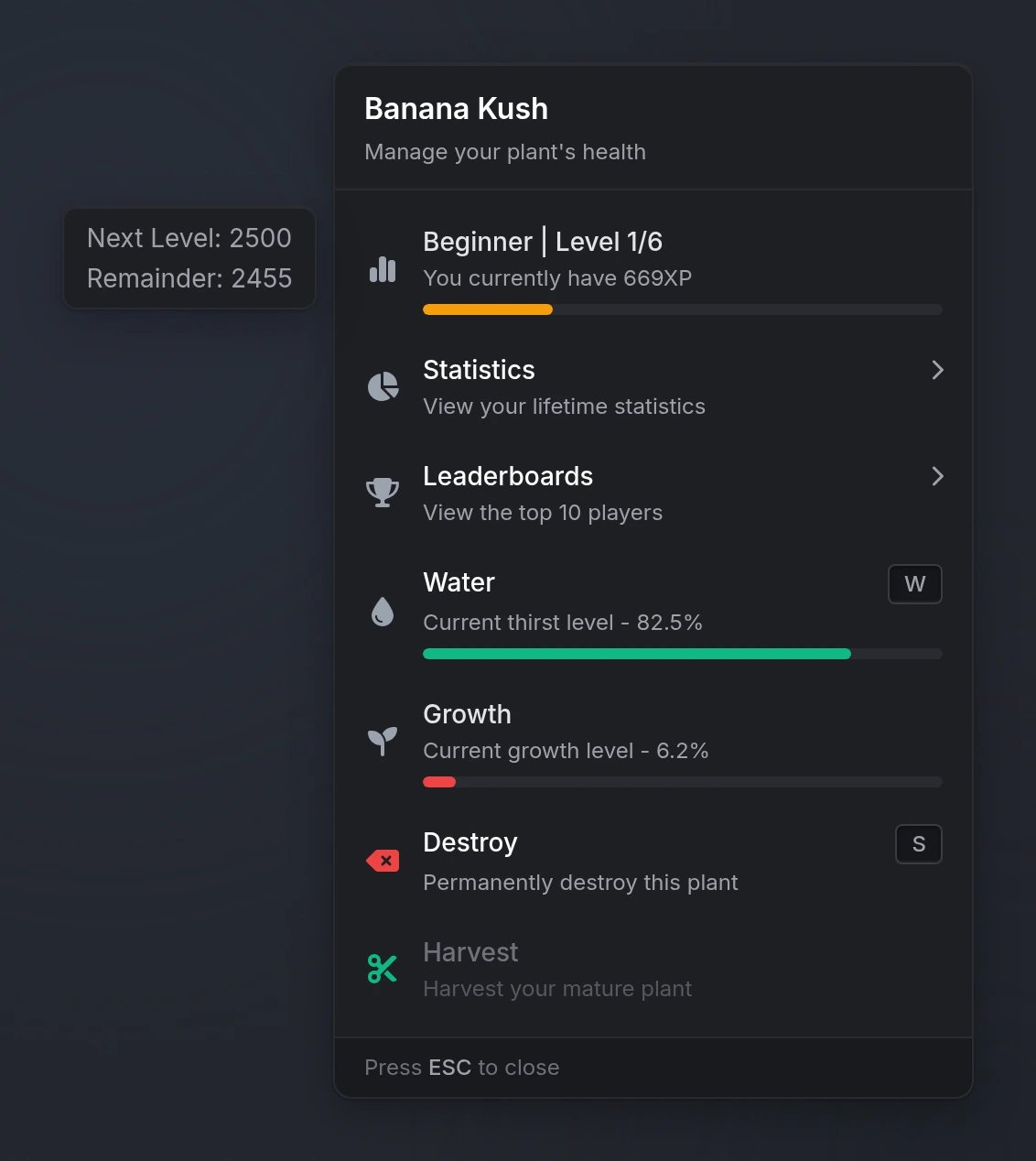
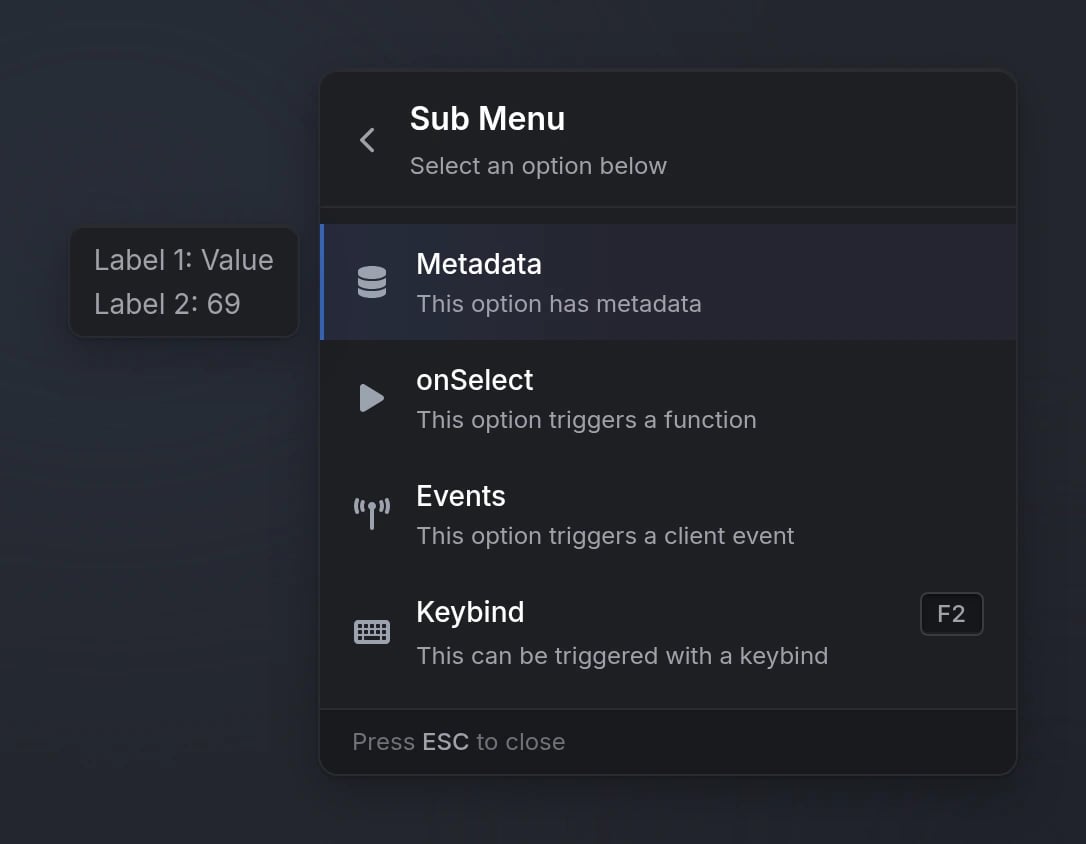
Quick Start
Functions
Configuration
Registration Options
string
required
Unique menu identifier
string
Menu title (supports markdown)
string
Menu subtitle (supports markdown)
string
FontAwesome icon class or image URLSupported image formats:
.png, .webp, .jpg, .jpeg, .gif, .svgstring
default:"#9CA3AF"
Icon color (hex or CSS color name)
string
Icon animation:
'spin', 'spinPulse', 'spinReverse', 'pulse', 'beat', 'fade', 'beatFade', 'bounce', 'shake'Parent menu ID (for back navigation)
boolean
default:"true"
Whether menu can be closed with ESC
string
default:"top-right"
Menu position. Available options:
'top-left', 'top-right', 'offcenter-left', 'offcenter-right'Submenus will inherit parent menu positioning
function
Function called when menu is closed with ESC
table
required
Array of menu options (see Option Properties)
Option Properties
string
required
Option display text (supports markdown)
string
FontAwesome icon class or image URLSupported image formats:
.png, .webp, .jpg, .jpeg, .gif, .svgstring
default:"#71717A"
Icon color (hex or CSS color name)
string
Icon animation typeAvailable options:
'spin', 'spinPulse', 'spinReverse', 'pulse', 'beat', 'fade', 'beatFade', 'bounce', 'shake'string
Option description (supports markdown)
string
Keybind display text
boolean
default:"false"
Whether option is disabled
boolean
default:"false"
Whether option is read-only (no click)
boolean
default:"true"
Whether clicking this option closes the menu (
false keeps the menu open)Submenu ID to open
boolean
default:"false"
Show arrow indicator
Automatically set to true for submenus
number
Progress bar value (0-100)
string
default:"#3B82F6"
Progress bar color (hex or CSS color name)
Can also use
colorScheme as an aliasstring
URL to an image displayed in the hover metadata
function
Callback function executed when option is selected
string
Client event to trigger when option is selected
string
Server event to trigger when option is selected
any
Arguments passed to events
Metadata
Themetadata property displays additional information in a hover card. It supports three formats:
- Structured Array
- Key-Value Object
- String Array
Preview