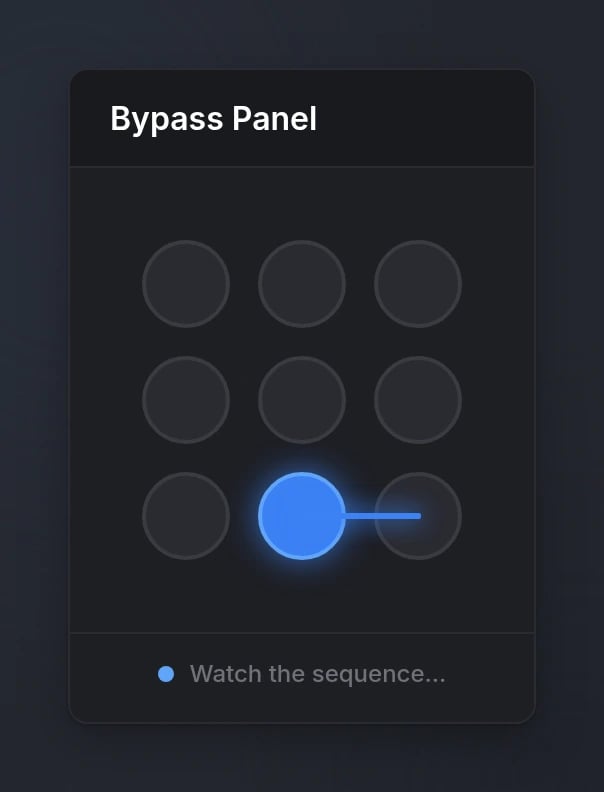
Quick Start
Functions
patternLock
patternLock
Start a pattern lock minigame and wait for the result.Parameters:
title(string, optional) - Title displayed in the header (default:'Pattern Lock')difficulty(string | table, optional) - Difficulty preset, custom config object, or array for multi-stage (default:'medium')
success(boolean) -trueif all stages were completed successfully,falseif failed, timed out, or cancelled
cancelPatternLock
cancelPatternLock
Cancel the currently active pattern lock.
Throws an error if no pattern lock is active.
patternLockActive
patternLockActive
Check if a pattern lock is currently active.Returns:
isActive(boolean) -trueif a pattern lock is active,falseotherwise
Configuration
Options
string
Title displayed in the panel header
string | table
default:"medium"
Difficulty preset, custom difficulty object, or array of presets/objects for multi-stage runsSee Difficulty Levels for available options
Multi-stage runs display a Stage badge in the header (e.g.
Stage 1, Stage 2). The player must complete every stage to return true.Difficulty Levels
- Preset Difficulties
- Custom Difficulty
Behavior
- The same dot can appear more than once in a sequence, but never twice in a row
- Pressing Escape fails the minigame
- While active, the minigame captures full NUI focus (cursor + keyboard)
Preview