Quick Start
Functions
registerRadial
registerRadial
Register a radial submenu with the specified configuration.Parameters:
radialData(table) - Radial menu configuration object (see Registration Options)
addRadialItem
addRadialItem
Add one or more items to the global radial menu.Parameters:
item(table | table[]) - Single item or array of items (see Item Properties)
removeRadialItem
removeRadialItem
Remove an item from the global radial menu.Parameters:
itemId(string) - Unique identifier of the item to remove
clearRadialItems
clearRadialItems
Clear all items from the global radial menu.
hideRadial
hideRadial
Hide the radial menu.
disableRadial
disableRadial
Enable or disable the radial menu.Parameters:
state(boolean) -trueto disable,falseto enable
getCurrentRadialId
getCurrentRadialId
Get the ID of the currently open radial menu.Returns:
menuId(string | nil) - The ID of the currently open menu, or nil if no menu is open
Configuration
Registration Options
string
required
Unique menu identifier
table
required
Array of menu items (see Item Properties)
Item Properties
string
Unique item identifier (required for global items)
string
required
Item display text
string
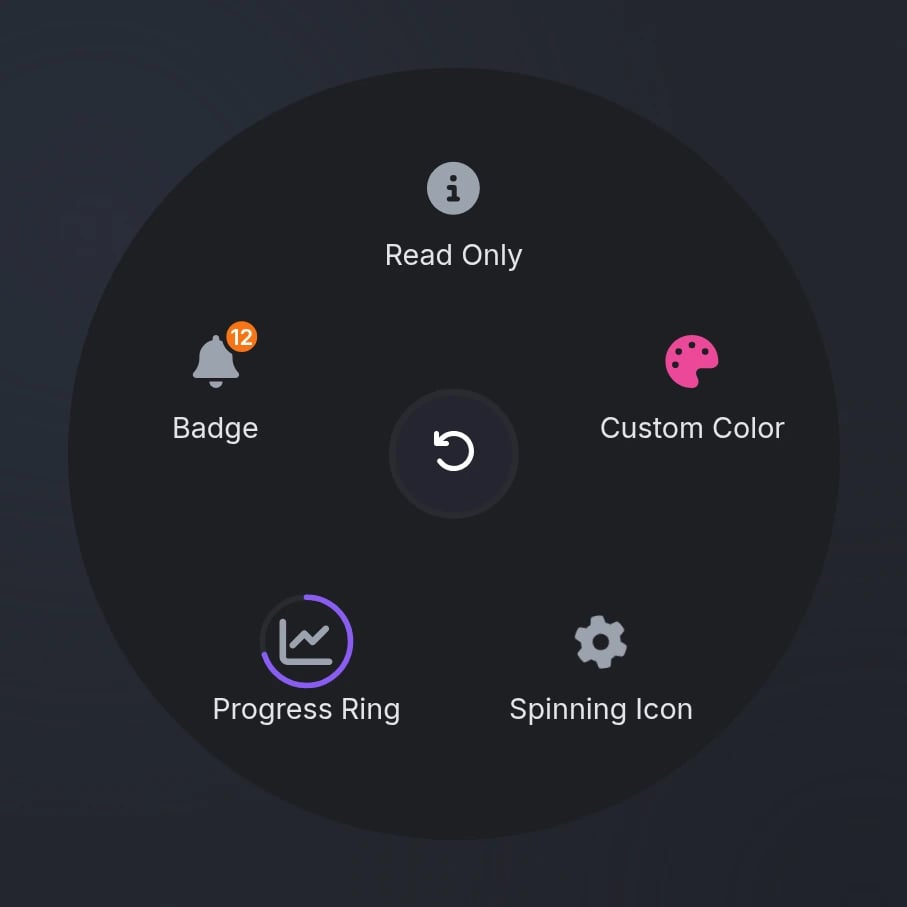
FontAwesome icon class or image URLSupported image formats:
.png, .webp, .jpg, .jpeg, .gif, .svgstring
default:"#9CA3AF"
Icon color (hex or CSS color name)
string
Icon animation typeAvailable options:
'spin', 'spinPulse', 'spinReverse', 'pulse', 'beat', 'fade', 'beatFade', 'bounce', 'shake'boolean
default:"false"
If
true, icon only animates on hover instead of continuouslySubmenu ID to open
number
Progress ring value (0-100)
string
default:"#3B82F6"
Progress ring color (hex or CSS color name)
number | string
Badge text or count
Numbers greater than 99 display as “99”
string
default:"#EF4444"
Badge color (hex or CSS color name)
boolean
default:"false"
Display only, no hover or click
boolean
default:"false"
Keep menu open after clicking
function
Callback function executed when item is selectedParameters:
currentMenu(string | nil) - The current menu ID (ornilfor global menu)itemIndex(number) - The clicked item’s index
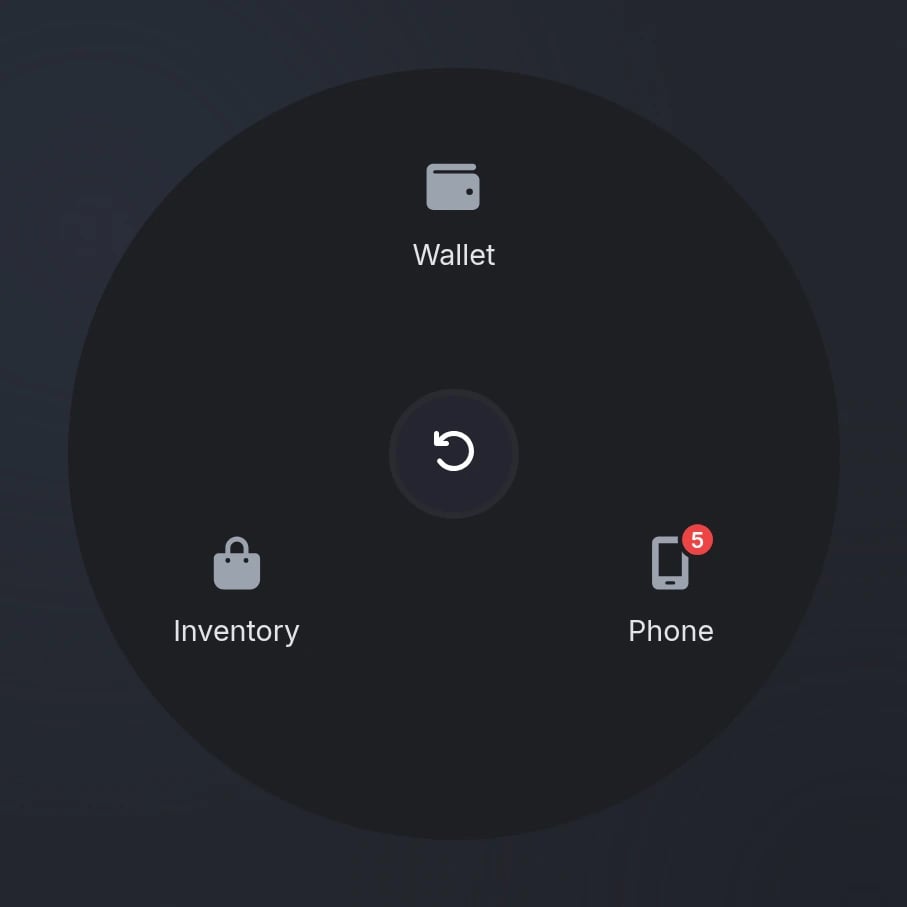
Press Z to open/close the global radial menu (will only display when there is at least one item)
Preview