Theme editor
what it does
lation ui gives your server thirteen components, from notifications to a radial menu and three minigames, styled from one theme you edit in game. Scripts built on ox_lib switch to it with a free fork, and lation interact, banking, shops and jobs follow your theme.
see it in game
what's in it
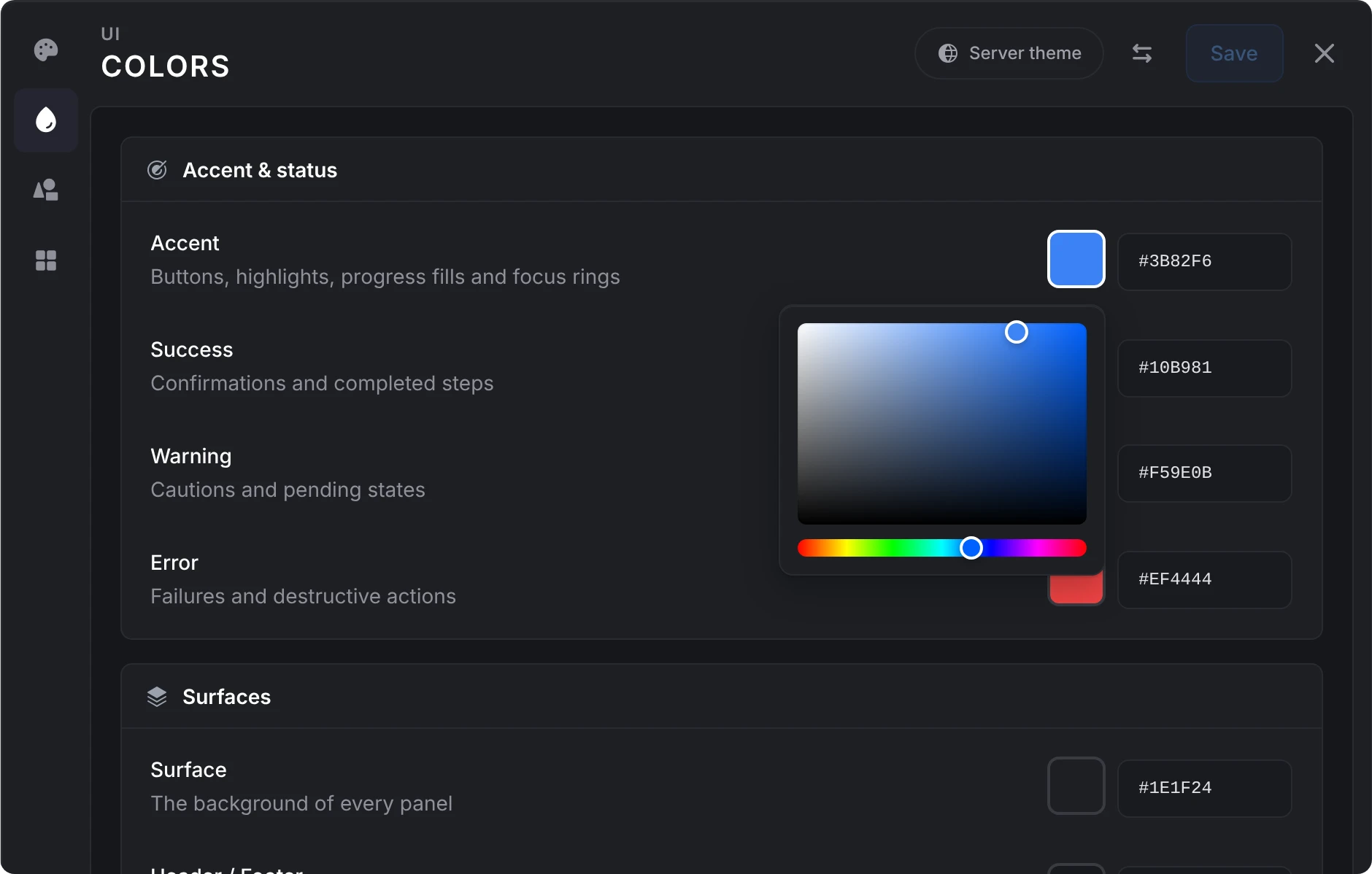
Theme it in game
Run /uitheme and change colors, corners, fonts, scale and shadows. The editor wears your theme as you change it, and players see nothing until you save. Give any one component its own colors.
Restyles your ox_lib scripts
Run the free lation ox_lib fork and scripts built on ox_lib show lation ui menus, dialogs and notifications, with no code changes.
Thirteen components
Menus, dialogs, notifications, progress bars, prompts, a radial menu, a timeline, a drawer and three minigames, with their built-in text in 13 languages.
Your lation scripts match
lation interact, banking, shops and jobs take your theme and change the moment you save a new one. Style them all from one editor.
Presets and share codes
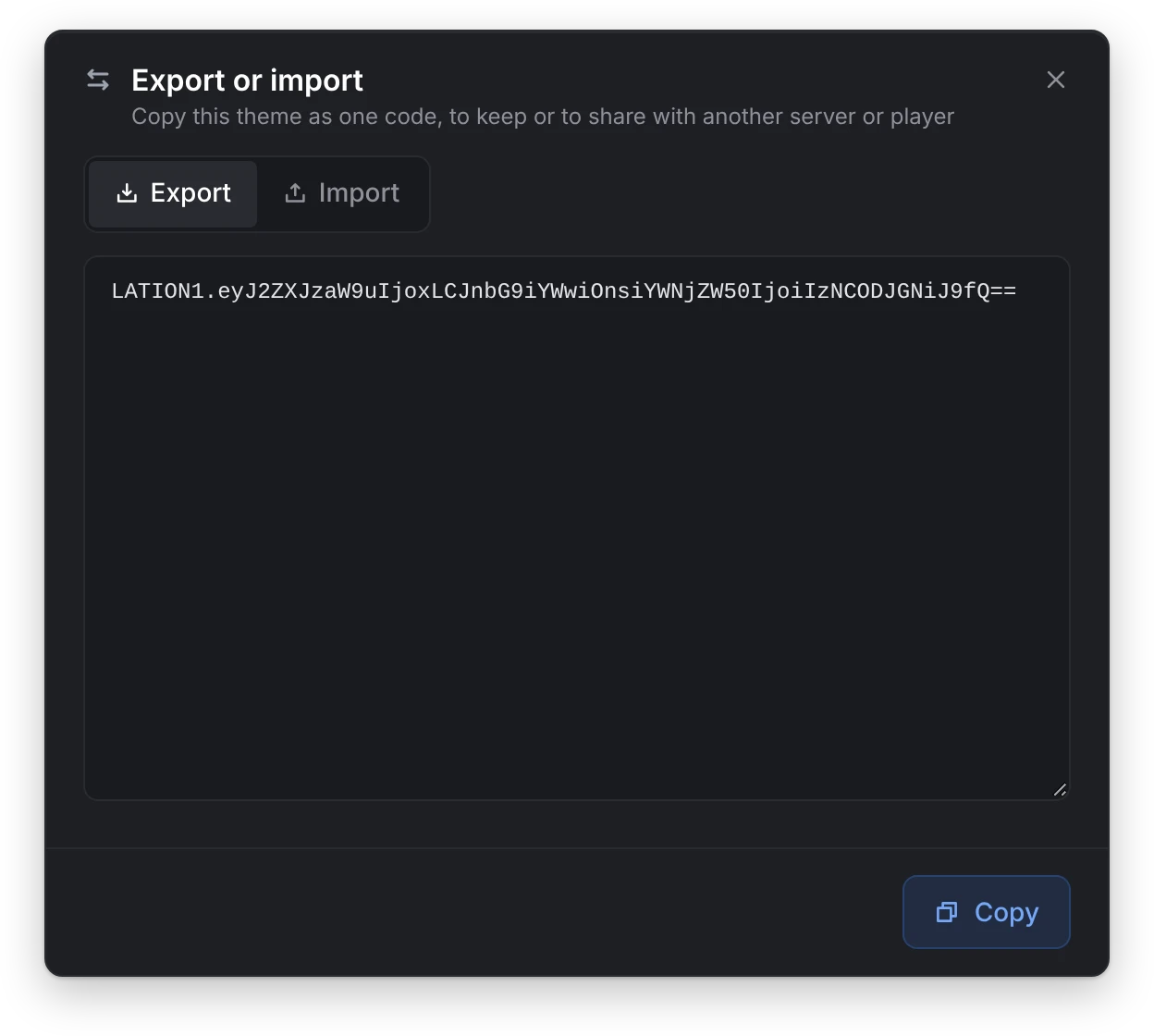
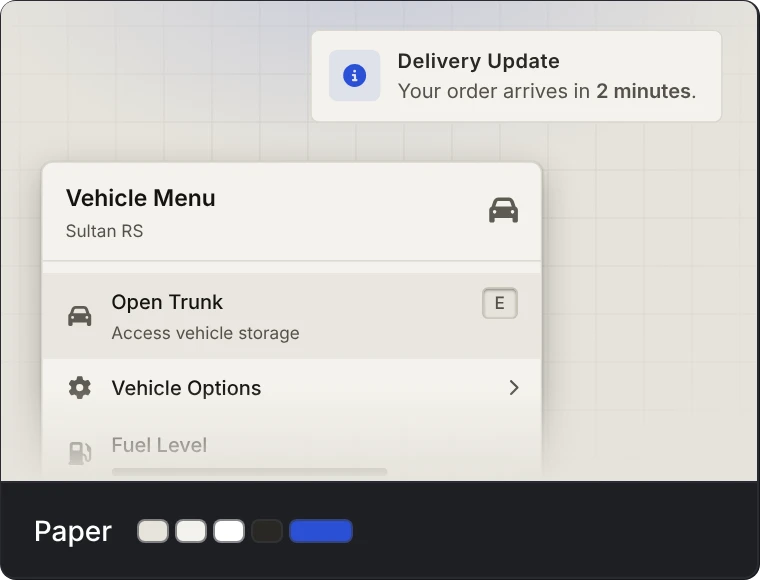
Start from one of eleven presets, a light one among them, or paste a code someone shared. Copy your own theme as one code to use on another server.
Players can pick their own
Turn it on and players restyle their own interface with /uisettings. What they leave alone follows your theme, and it's saved on their PC, not your database.
Sized for every screen
It sizes itself to the screen's height, so it fills the same share of a 1440p, 4K or ultrawide screen as at 1080p. Scale it from 50% to 150%.
Quiet until it's used
Nothing runs each frame while the interface is closed. It needs no database, framework or other resource, and its default fonts ship inside it.


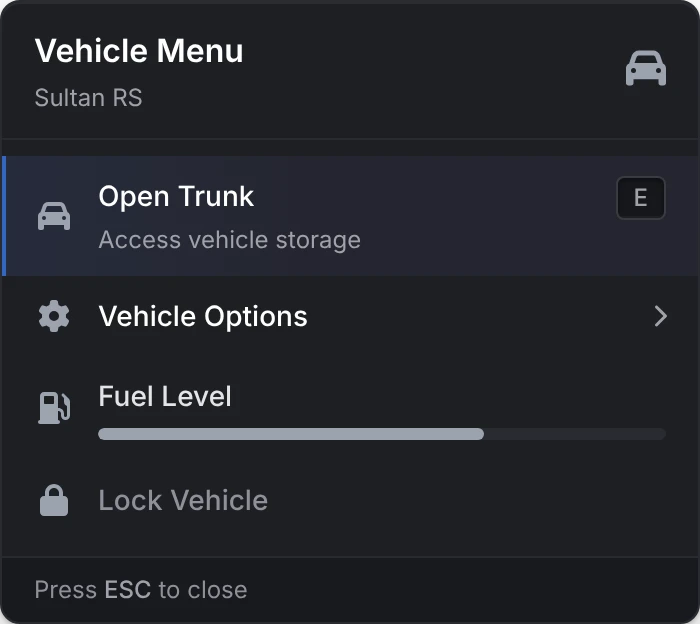
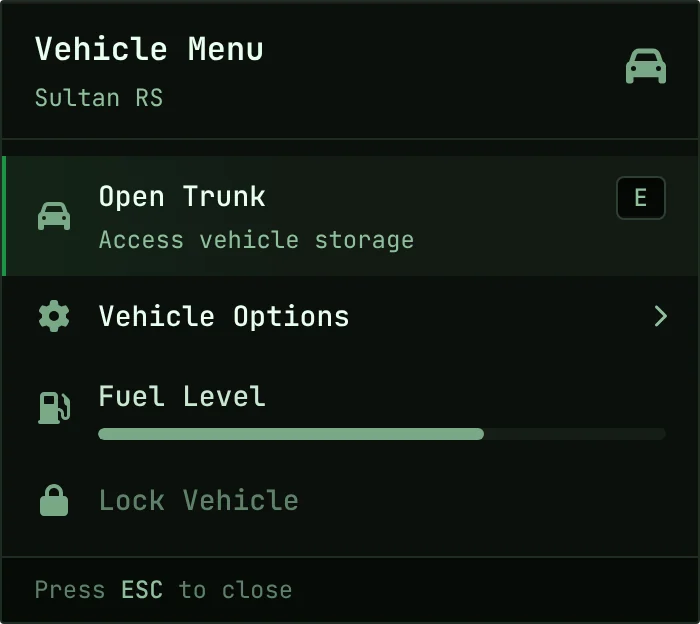
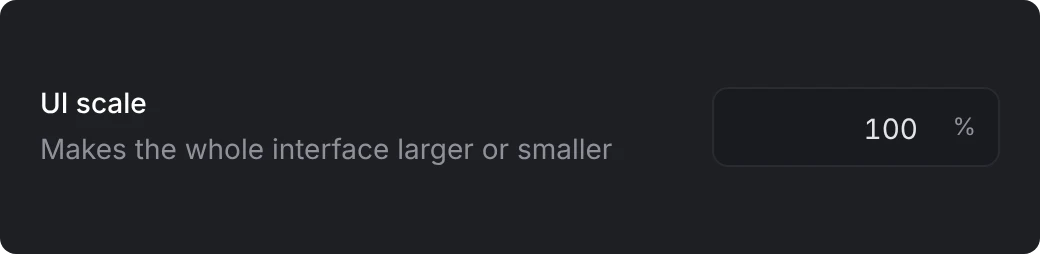
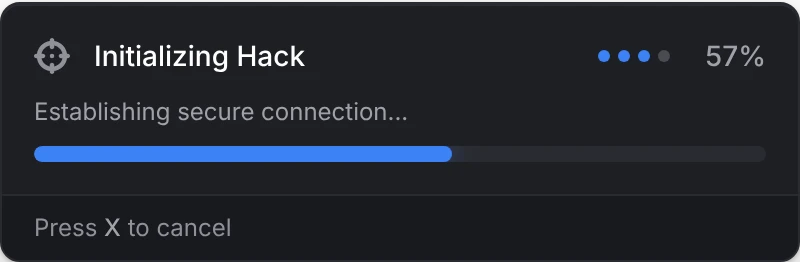
every component
Each one as it looks in game, in the theme you set.
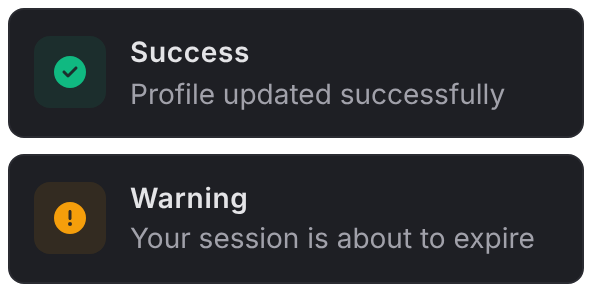
Notifications
Stack in any of eight spots and update in place. Pin them to one corner for every script.
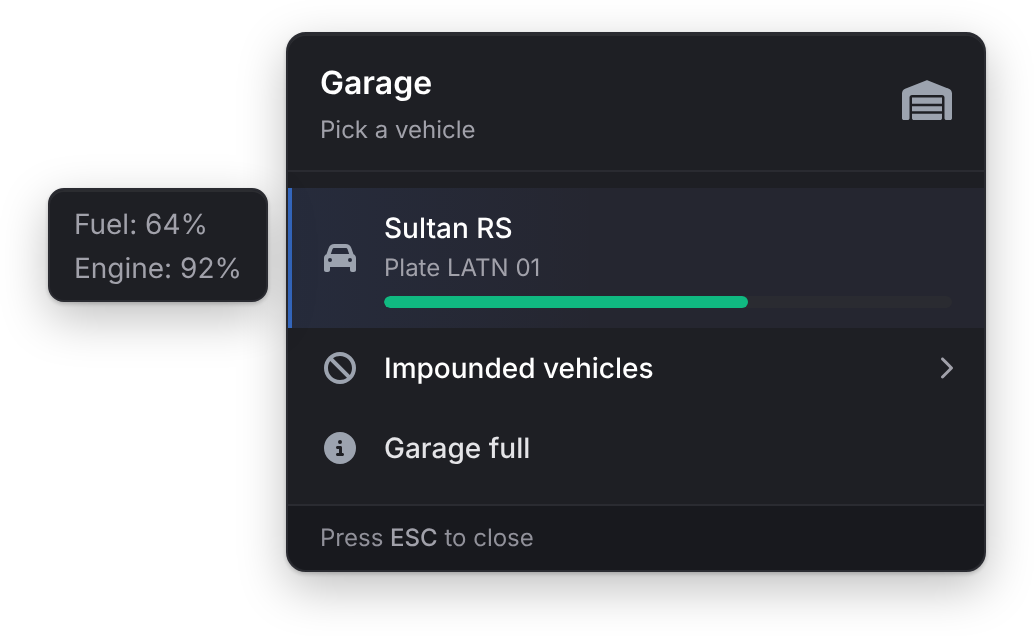
Menu
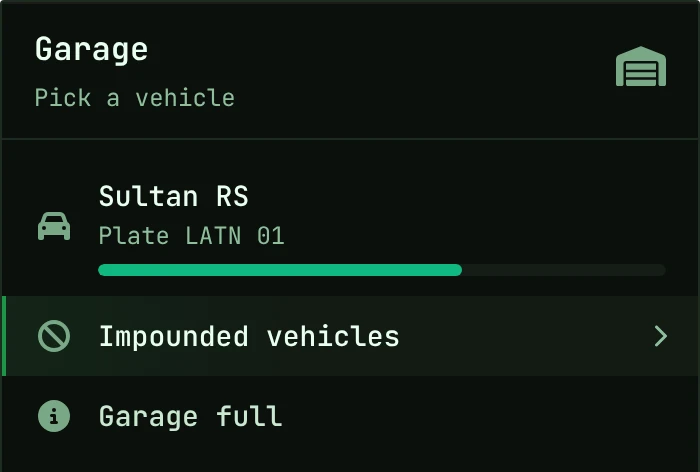
Submenus, keybinds and progress bars, with a hover card for an image and details.
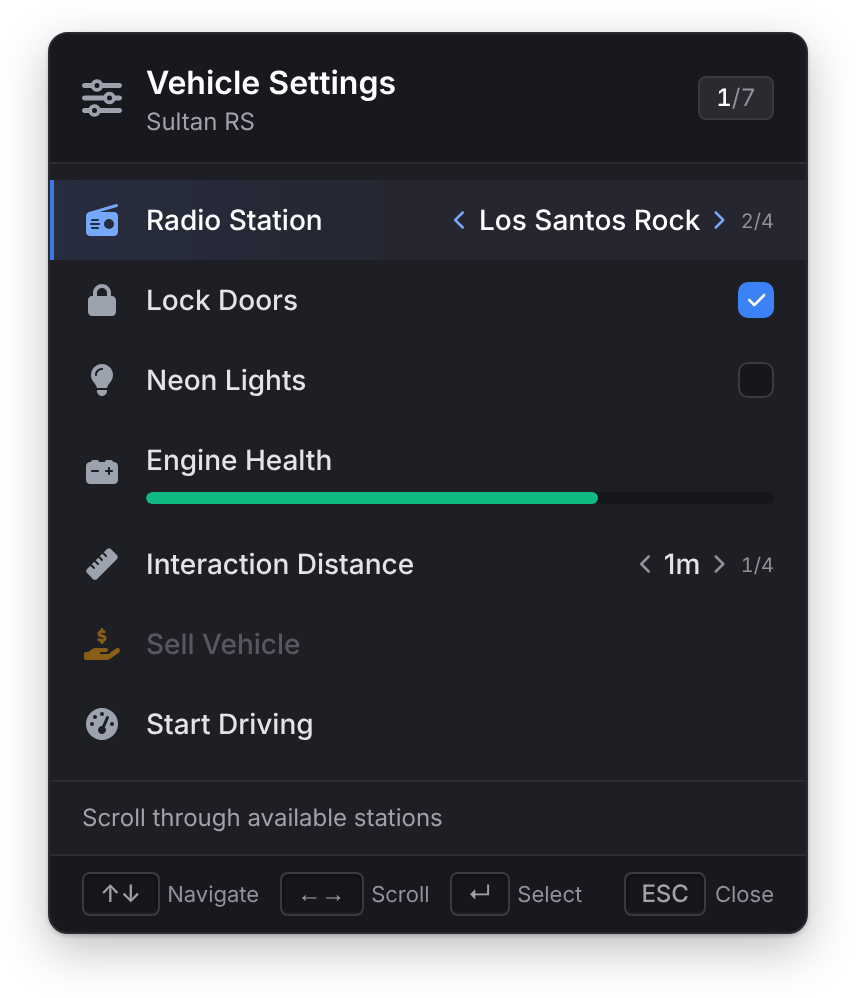
List Menu
Run it from the keyboard while the player keeps moving, with side-scroll values and checkboxes.
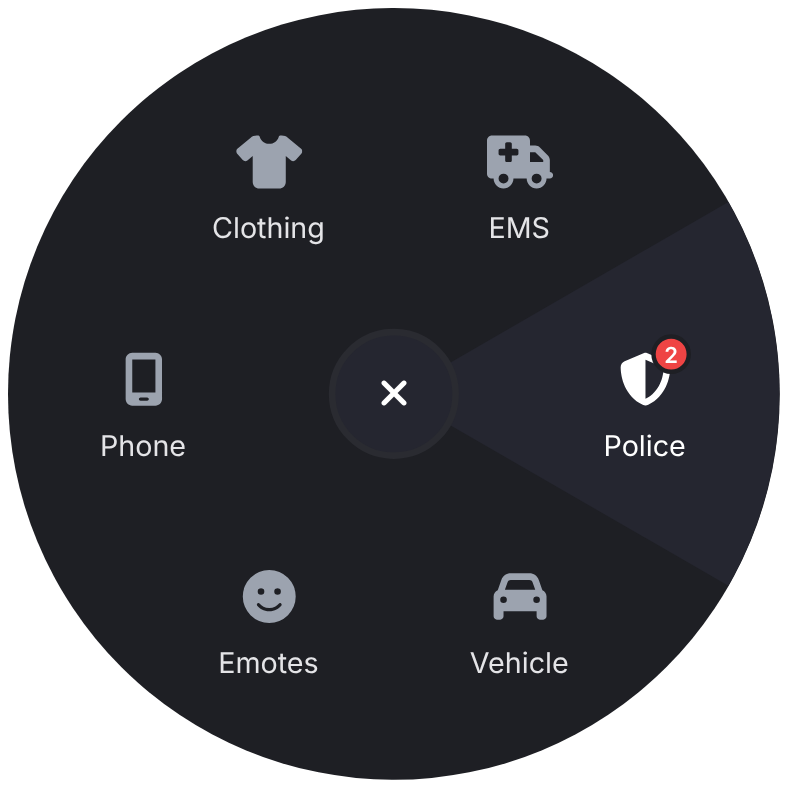
Radial Menu
A wheel on a key players can rebind, with submenus, badges and progress rings.
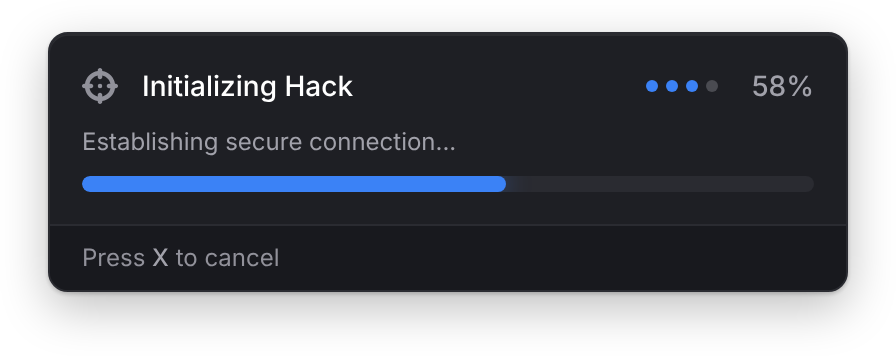
Progress Bar
Plays the animation, attaches props other players see, blocks the controls you pick and splits into steps.
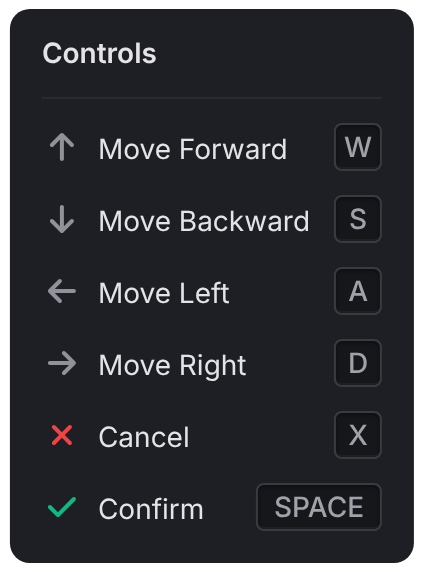
Text UI
A key prompt or a list of controls, in any of nine spots.
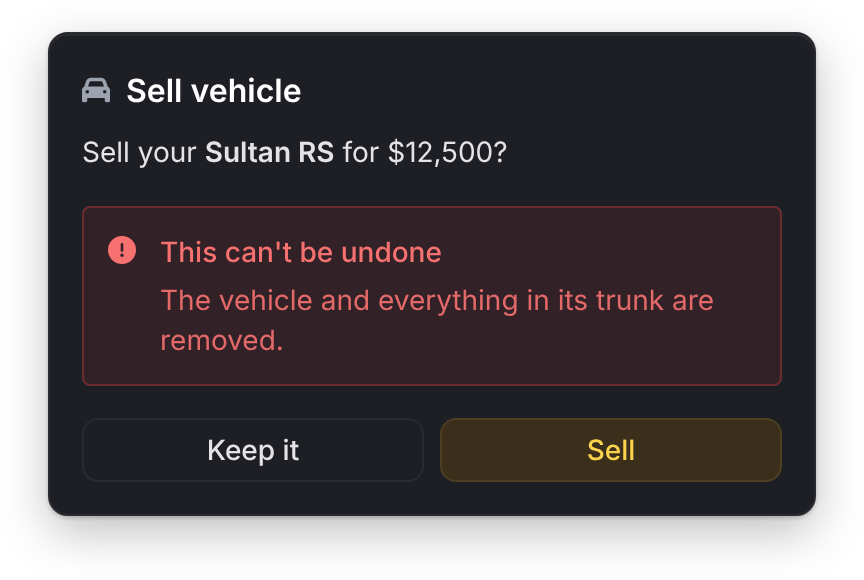
Alert Dialog
Confirm or cancel, with colored callouts for the part that matters.
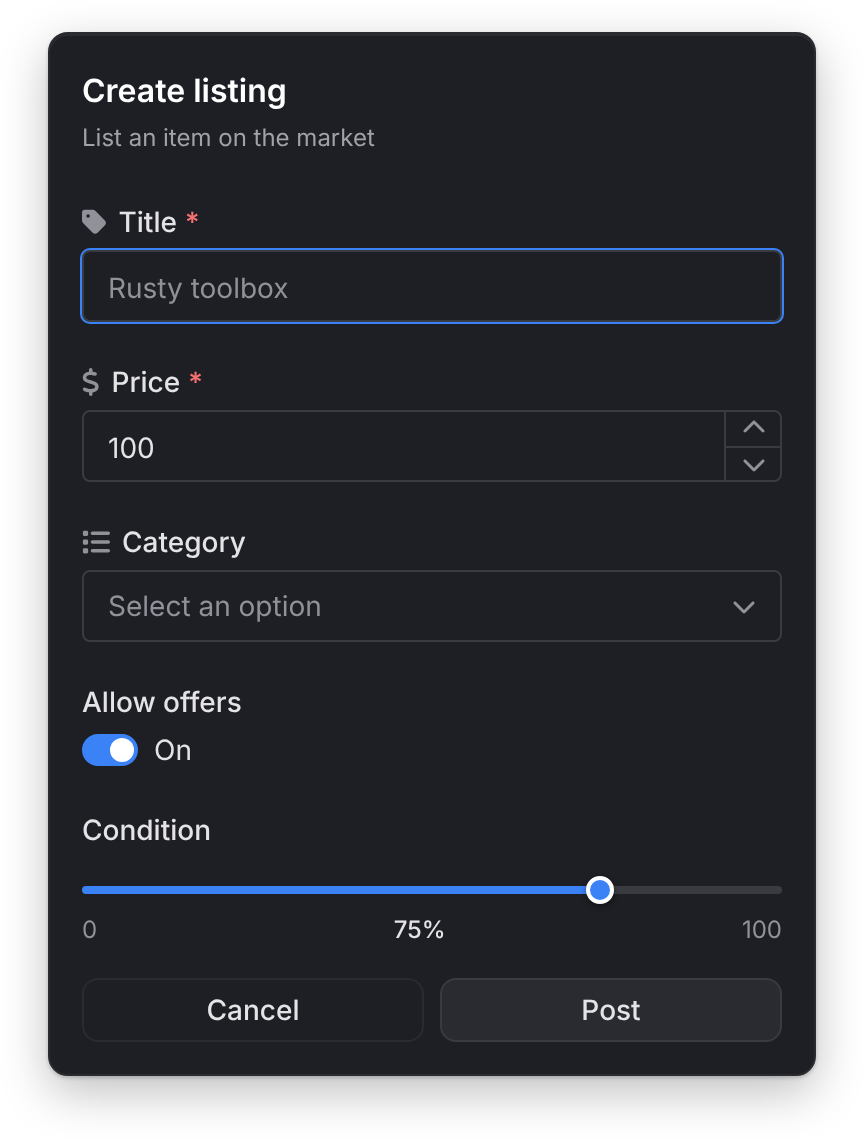
Input Dialog
Text, numbers, sliders, toggles, searchable selects, color, date and date range pickers, with required fields checked.
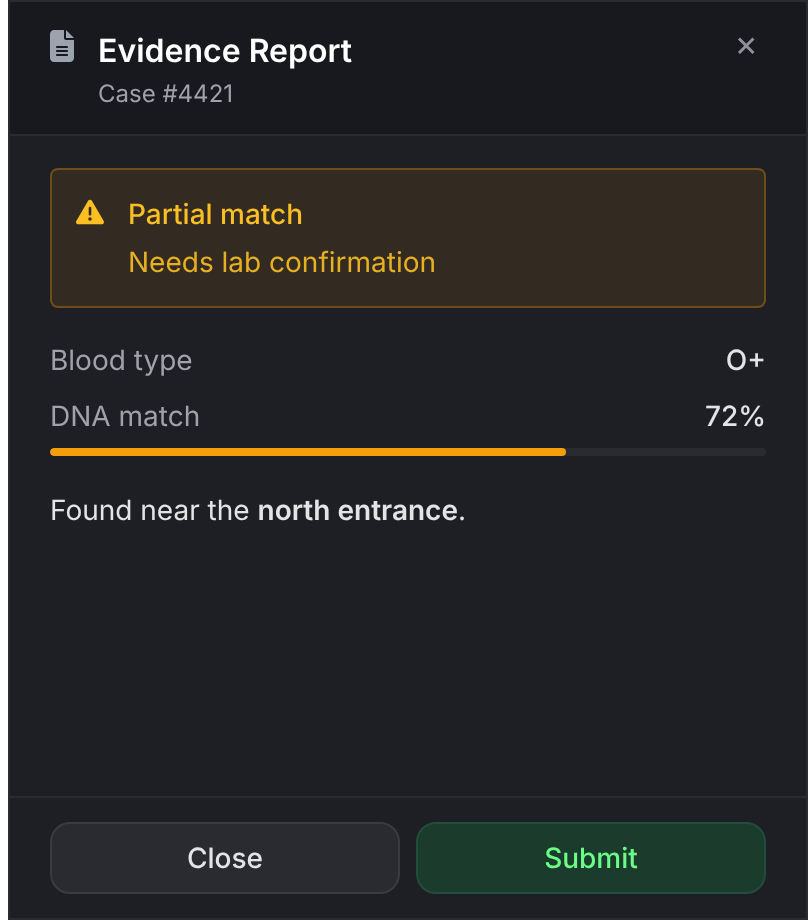
Drawer
Slides in from the side or bottom with notes, stat bars, images and buttons.
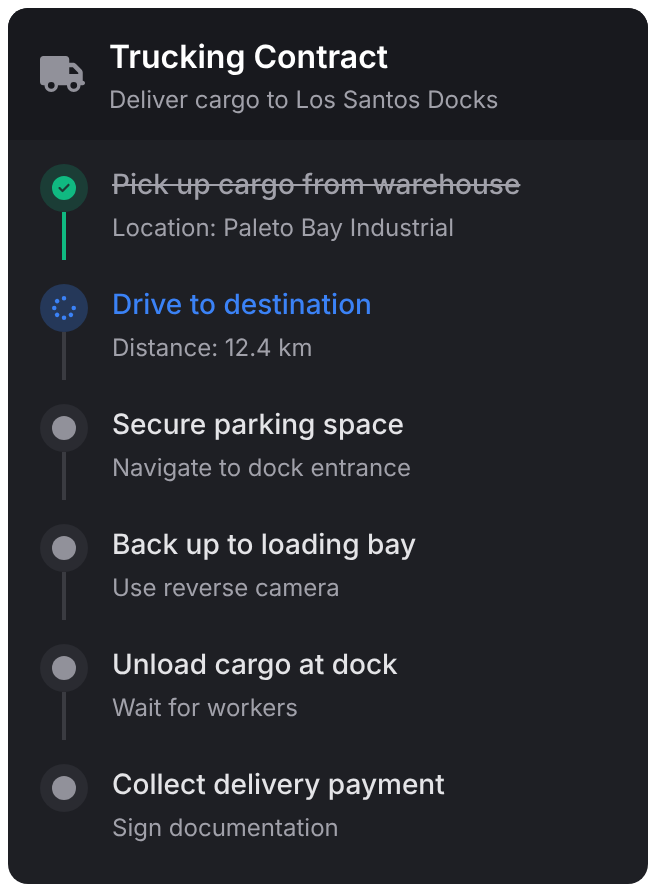
Timeline
A checklist for heists and deliveries that ticks off each step as players go.
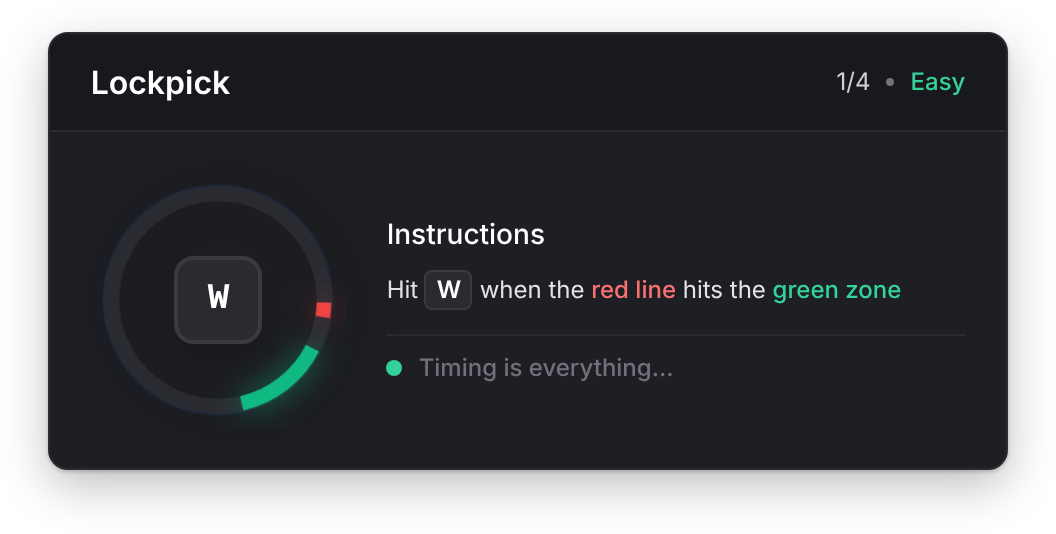
Skill Check
Hit the key while the line crosses the zone, round after round, at the difficulty you set.
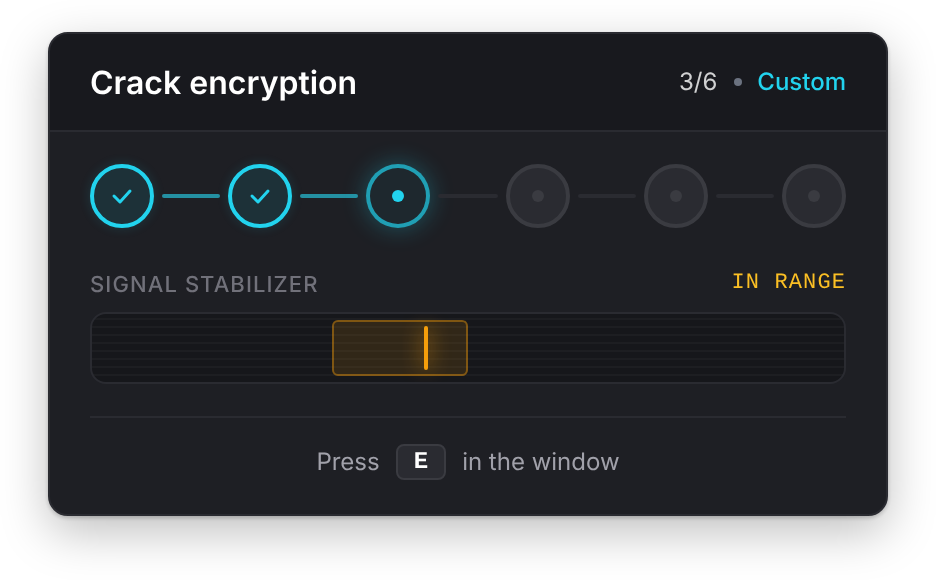
Signal Breach
Press each key as the dial passes the window, node after node.
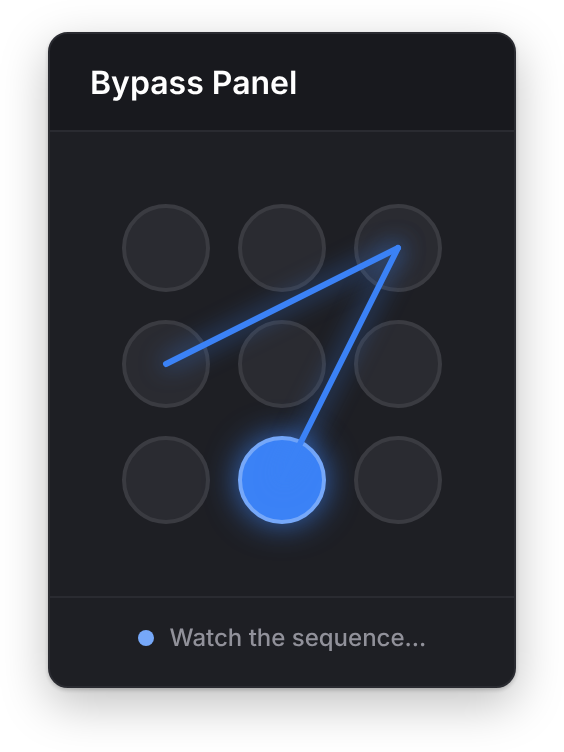
Pattern Lock
Watch the dots light up, then repeat the pattern before time runs out.
a closer look
better together
lation ui is built to work with the rest of the lineup, and the cart rewards it: three scripts or more and everything in it costs less.
All 5 together:$87.95$109.9520% off
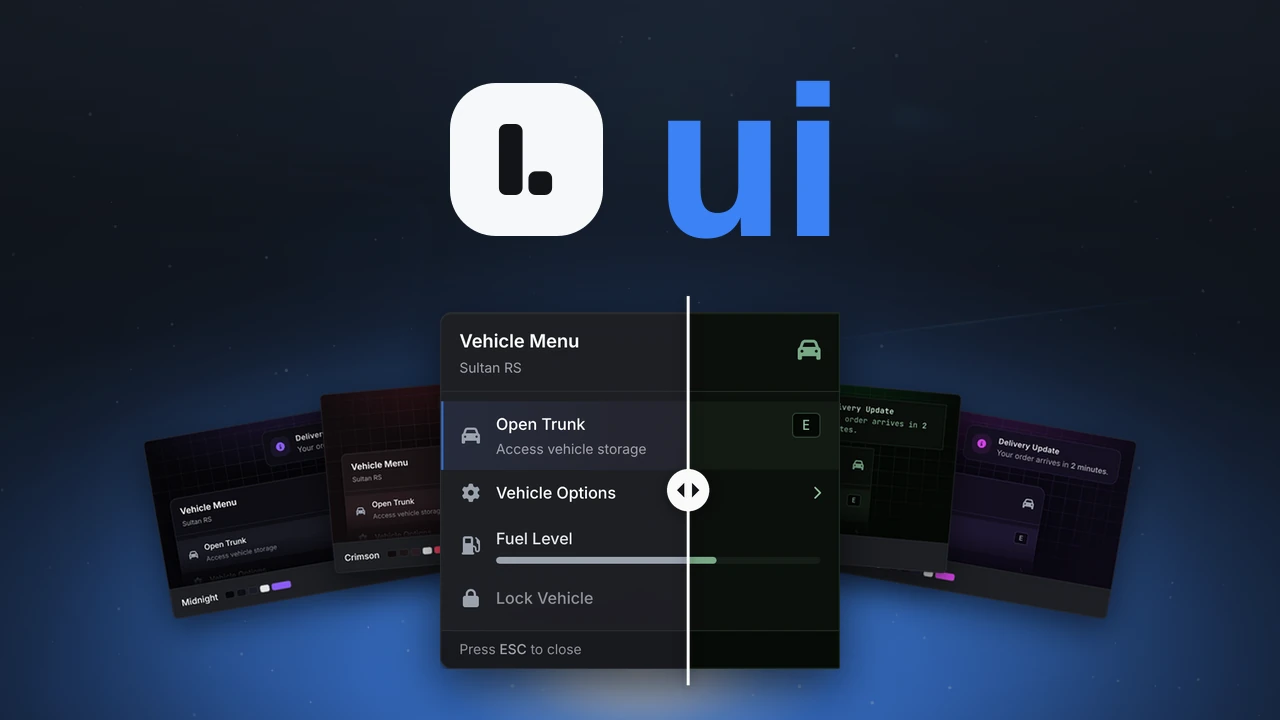
this script
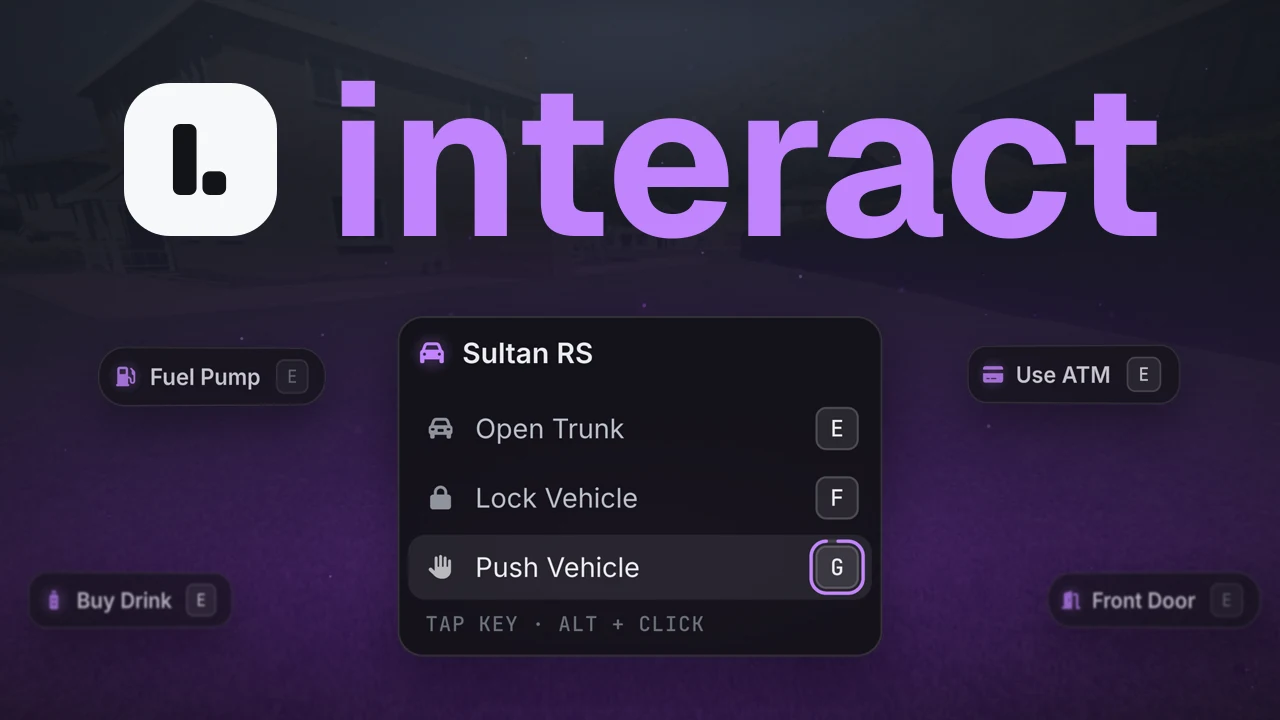 lation interact$9.99
Its prompts change with your theme, down to the glow that marks what's usable.
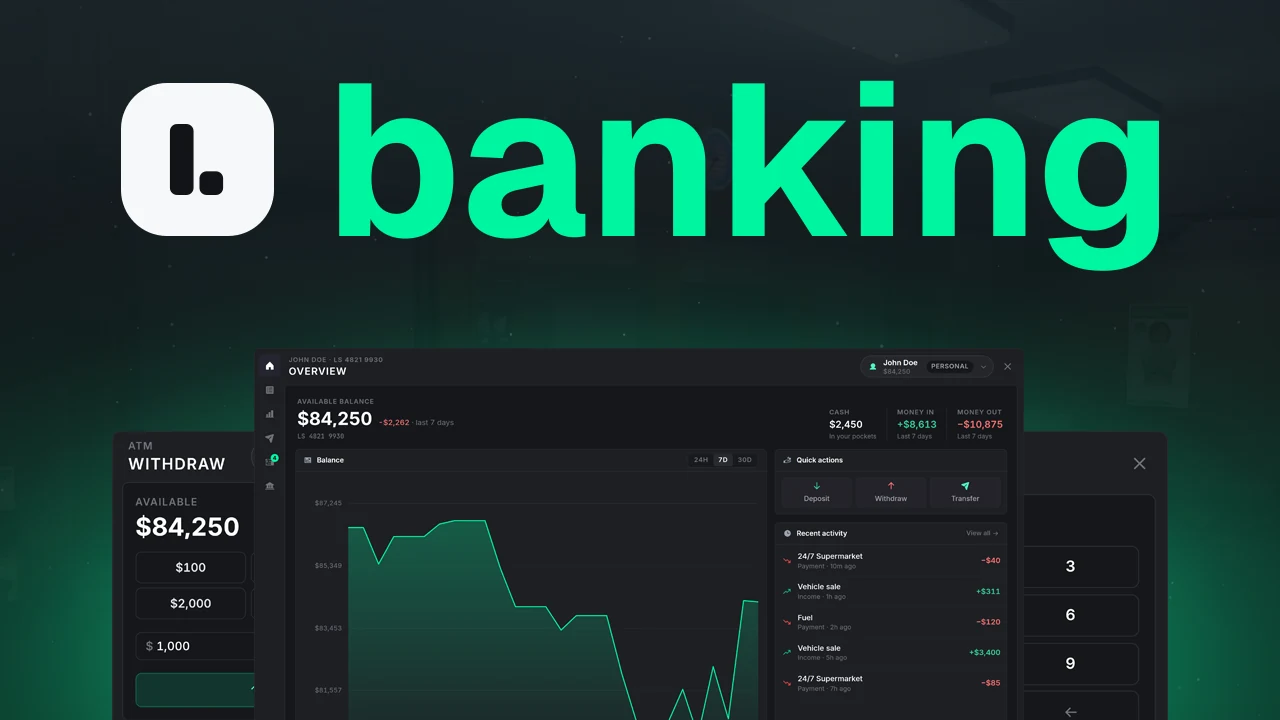 lation banking$24.99
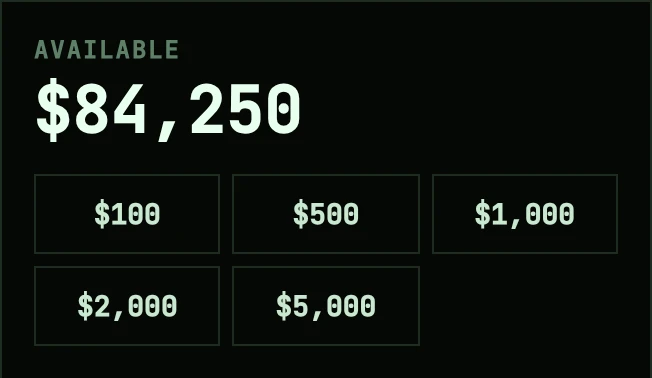
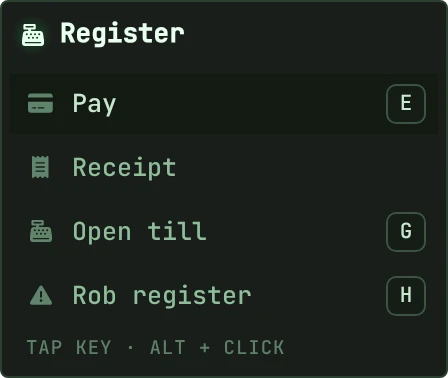
The bank, ATMs and registers wear your theme, and bank messages arrive as lation ui notifications.
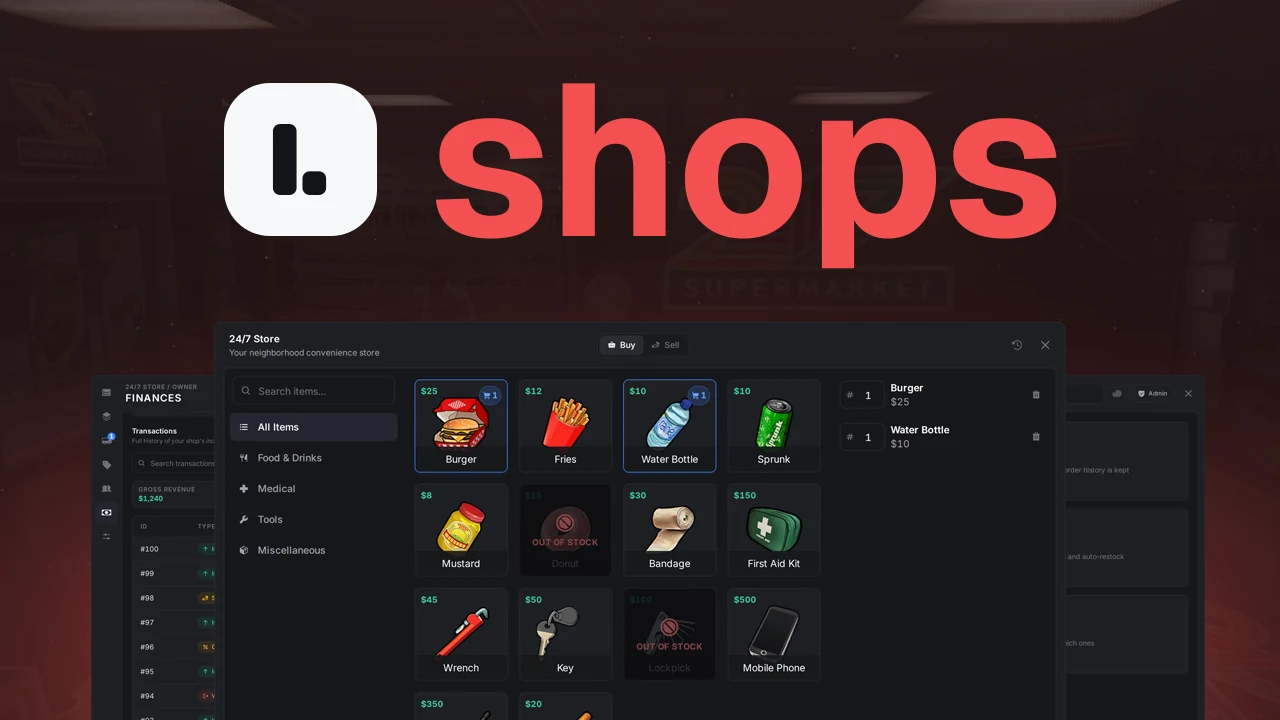 lation shops$29.99
The shop, the owner dashboard and the admin panel wear your theme and change the moment you save.
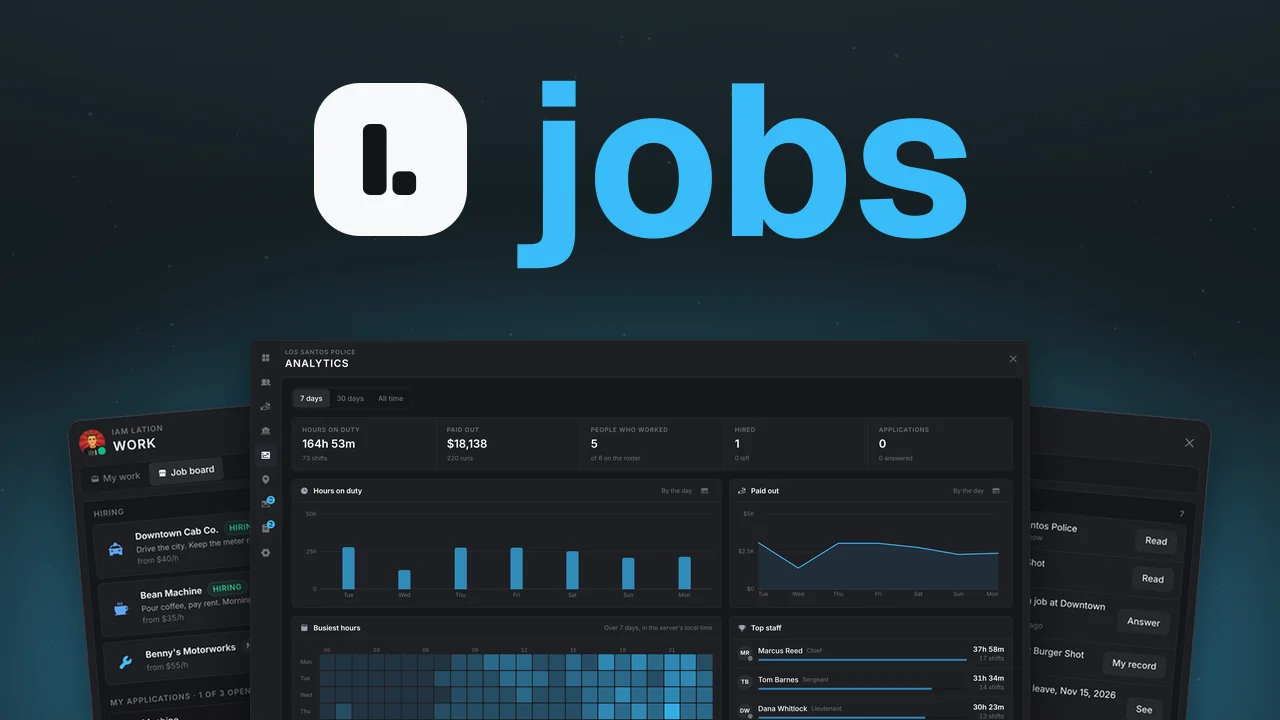 lation jobs$29.99
The boss menu, job board and admin panel wear your theme, and job messages arrive as lation ui notifications.
questions
Everything else is in the lation ui docs.
ensure lation_ui
The interface library your whole server shares.